
Choosing the perfect desk depth is more important than many people think. For anyone who spends hours at a desk—whether working from home, studying, or gaming—the wrong desk size can cause discomfort, pain, and even long-term health issues. Yet, many buyers focus on style or price, and forget that desk depth directly affects posture, reach, and overall comfort. If you want a workspace that truly supports you, it’s time to look closer at this key detail.
Finding your ideal desk depth isn’t just about following a trend or picking what’s available. It’s about matching your desk to your body, your tasks, and your space. The right choice can help you feel less tired, reduce neck and back strain, and make every work session more productive.
Let’s explore how to choose the best desk depth for comfort, with practical tips, clear data, and insights that many beginners miss.
Why Desk Depth Matters
Desk depth is the distance from the front edge (where you sit) to the back edge of the desk. This measurement directly affects how much space you have for your arms, your computer, and anything else you need on the surface.
A desk that’s too shallow can make you feel cramped, push your monitor too close, or force you into awkward positions. One that’s too deep can waste space and make it hard to reach things comfortably.
Impact On Posture And Health
When your desk depth fits your body and work style:
- Your forearms can rest comfortably without hanging off the edge.
- Your monitor sits at a safe distance, reducing eye strain.
- Your shoulders and neck stay relaxed, not hunched or stretched.
Research from ergonomic studies shows that improper desk size leads to more complaints of back and neck pain. Over time, these can become serious health problems.
Productivity And Focus
A comfortable desk setup allows you to:
- Reach everything easily, without stretching
- Keep your workspace organized
- Stay focused, with less fidgeting or adjusting
Small details like desk depth can make the difference between a productive day and a frustrating one.
Standard Desk Depths Explained
Most desks fall into a few common depth categories. Each size has its pros and cons, depending on your needs.
| Desk Depth | Best For | Drawbacks |
|---|---|---|
| 24 inches (60 cm) | Small spaces, writing, laptops | Too tight for dual monitors, large items |
| 28 inches (71 cm) | General office use, single monitor | May feel cramped for gaming or creative work |
| 30 inches (76 cm) | Comfortable for most users, desktop PCs | Needs more room; not for tiny rooms |
| 36+ inches (91+ cm) | Design, gaming, multiple monitors | Takes lots of space; hard to fit in small rooms |
These numbers are starting points. The best desk depth for you depends on your body size, tasks, and what you keep on your desk.
Credit: woodbine.co.in
How To Measure For Your Ideal Desk Depth
Many people guess their desk size or copy what friends use. But measuring is simple and more effective.
Step-by-step Guide
- Sit in your usual chair with your feet flat on the floor and your back straight.
- Hold your arms out in front of you, bent at about 90 degrees.
- Place a book (or any object) where your fingertips reach comfortably—this is your natural working area.
- Measure from the edge of your seat to the object. This is your minimum desk depth.
- Add 6–12 inches (15–30 cm) for a monitor, books, or other items you want behind your working area.
Most adults find a desk depth of 28 to 30 inches (71–76 cm) works well. If you’re taller or use large monitors, you might need more.
Special Considerations
- If you use multiple monitors, add extra depth.
- For a standing desk, the same rules apply: Measure at standing height.
- If your space is limited, go for the deepest desk that fits without blocking walkways.
Matching Desk Depth To Your Work
Different tasks need different desk setups. Choosing the wrong depth is a common mistake, especially when buying online.
For Computer Work
If you use a desktop PC or laptop most of the time, your desk should:
- Allow at least 20 inches (50 cm) between your eyes and the monitor
- Leave space for a keyboard and mouse, with arms supported
- Have room for a monitor stand if needed
A 28 to 30-inch (71–76 cm) depth is usually enough.
For Writing And Drawing
Writers, students, and artists often need:
- More elbow room to move freely
- Space for notebooks, papers, and sketchpads
A desk with 30+ inches (76+ cm) depth feels more comfortable, especially for spreading out materials.
For Gaming
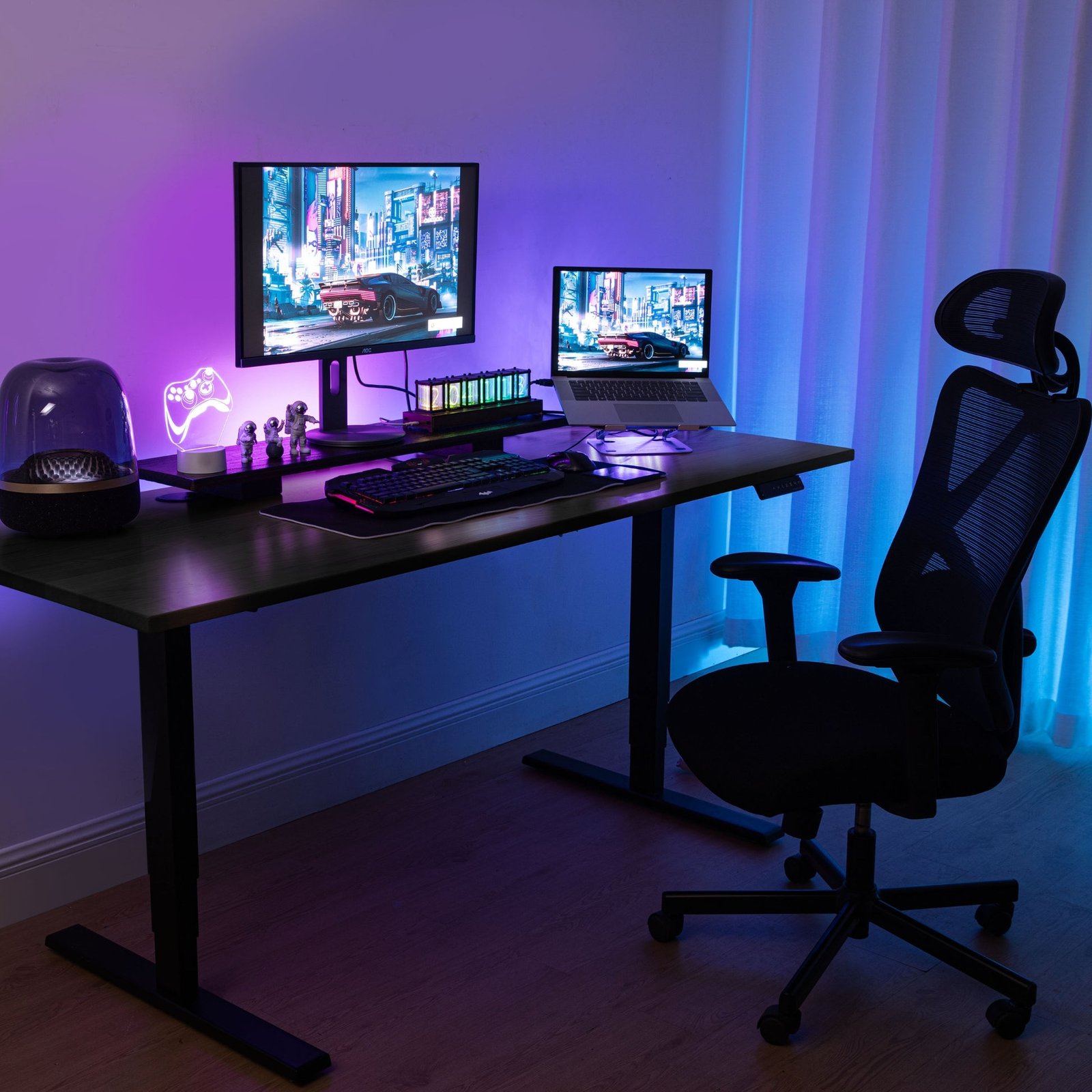
Gamers often use large monitors, speakers, and accessories. Look for:
- Depth of 30–36 inches (76–91 cm) for easy reach and less clutter
- Enough space to move the mouse without hitting the wall
Don’t ignore depth—many gaming desks are wide but not deep enough.
For Small Spaces
If your room is tiny, choose 24–28 inches (60–71 cm) depth. Use wall-mounted shelves or monitor arms to add extra space.
Credit: flexispot.co.uk
Comparing Desk Depths For Comfort
Let’s compare common desk depths for practical comfort:
| Desk Depth | Comfort Score (1-5) | Best Fit For |
|---|---|---|
| 24 inches (60 cm) | 2 | Occasional use, tight spaces |
| 28 inches (71 cm) | 4 | Everyday office work |
| 30 inches (76 cm) | 5 | Full-time work, creative tasks |
| 36 inches (91 cm) | 5 | Gaming, design, multi-monitor setups |
A comfort score of 5 means the desk supports most tasks without feeling cramped or too deep.
Desk Depth Vs. Desk Width
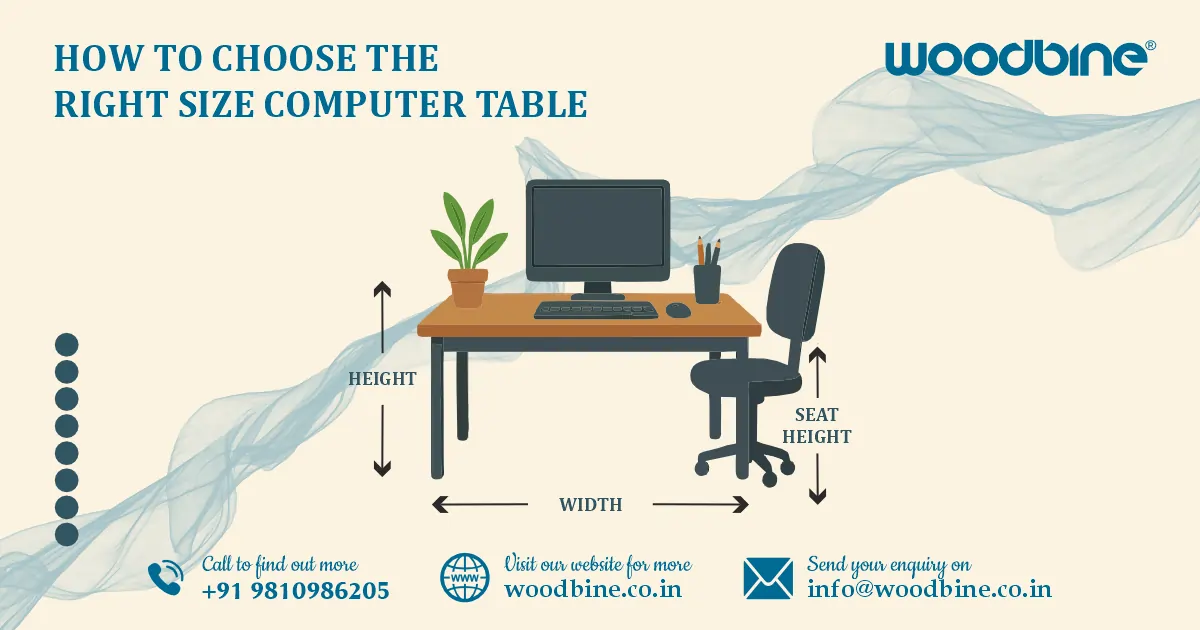
Many people confuse desk depth with desk width. Depth is how far the desk goes away from you; width is how wide it is from left to right.
Choosing a wide desk won’t help if the depth is too small. For example, a desk that’s 60 inches wide but only 20 inches deep will feel cramped for computer use. Always check both measurements.
Credit: www.progressivedesk.com
Mistakes To Avoid When Choosing Desk Depth
Even experienced buyers sometimes make these errors:
- Ignoring legroom. Some desks have deep tops but drawers underneath that steal your leg space.
- Not considering monitor size. Large or curved monitors need more distance for comfortable viewing.
- Forgetting about accessories. Speakers, lamps, and docking stations all take up space.
- Relying on store display setups. Showrooms often use shallow desks to save space.
- Not measuring your chair. Some ergonomic chairs are deep and push you forward, reducing usable desk space.
Pay attention to the whole setup, not just the desk alone.
Desk Depth For Different Body Types
Everyone’s body is different. The right desk depth for a petite person may not suit someone tall.
Shorter Adults Or Teens
- A depth of 24–28 inches (60–71 cm) is usually enough.
- Lower desk heights may help with arm comfort.
Taller Adults
- Desk depth of 30–36 inches (76–91 cm) is better.
- Make sure your monitor is not too close to your eyes.
Children
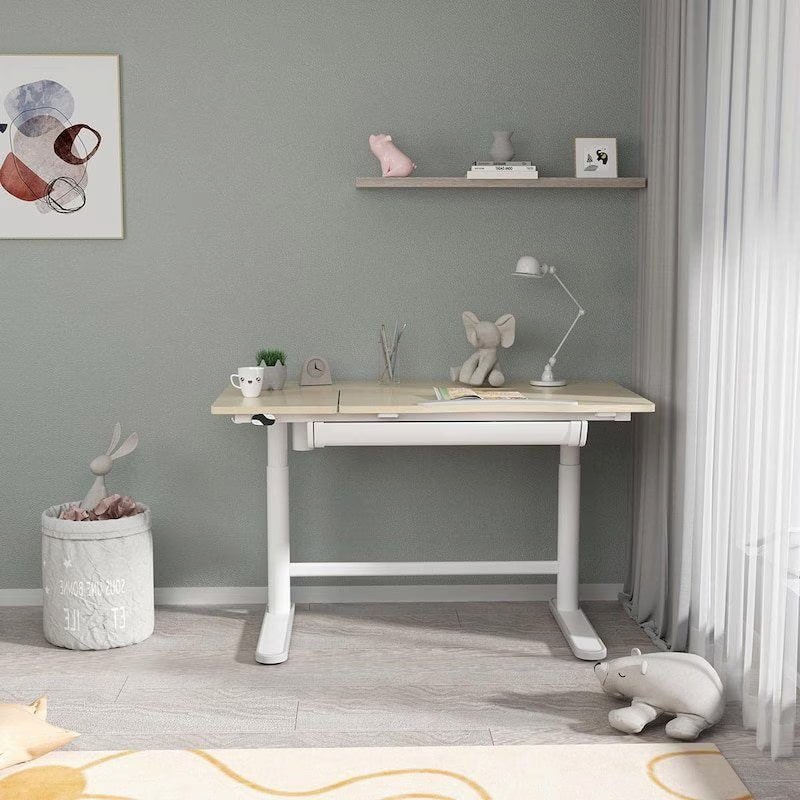
- Go for adjustable desks or smaller depths (20–24 inches / 50–60 cm).
- Kids grow fast; look for flexibility.
Room Size And Layout
Your workspace size limits your options, but a few smart tips can help you get the most out of any room.
- Place your desk against a wall to save space.
- Use corner desks for more depth without taking up walking space.
- Consider desks with open designs (no drawers underneath) for more legroom.
Measure your room before buying. Leave at least 36 inches (91 cm) behind your chair for comfortable movement.
Custom And Adjustable Desk Depths
Not all desks have fixed depths. Some brands offer adjustable desks or custom sizes.
- Adjustable desks let you change height, but not always depth. Check before buying.
- DIY desks: Build your own with the perfect depth using a tabletop and separate legs.
- Some desks have pull-out keyboard trays. These can help if the desk is a bit too shallow.
For people with special needs, custom desks are often the best solution.
Desk Depth And Ergonomics
Good ergonomics means your body is supported and stress is minimized. Desk depth is key for:
- Keeping monitors at eye level and at least 20 inches away
- Supporting forearms and wrists while typing
- Allowing for natural movement, not twisted or cramped positions
Pair the right desk depth with an ergonomic chair and adjustable monitor arms for the best setup.
Non-obvious Insights For Choosing Desk Depth
Here are two tips many people overlook:
- Consider future needs. You might only use a laptop now, but will you add a monitor, tablet, or printer later? Buy a desk with extra depth to avoid replacing it soon.
- Test before buying. If possible, lay out your items on a table or even the floor at home. See how much depth feels natural. This helps avoid surprises after purchase.
Example Setups For Reference
Here are three common desk setups with typical depths:
| Setup | Desk Depth | Why It Works |
|---|---|---|
| Student Laptop Desk | 24 inches (60 cm) | Compact, fits in bedrooms, enough for a laptop and notebook |
| Professional Office Desk | 30 inches (76 cm) | Supports monitors, keyboard, documents, comfortable arm position |
| Gamer/Designer Desk | 36 inches (91 cm) | Room for multiple monitors, accessories, wide mouse movement |
These examples show how matching desk depth to your daily activities makes a big difference.
When To Upgrade Your Desk Depth
You might need a new desk if you:
- Feel cramped or hit the wall with your arms or monitor
- Experience frequent neck or back pain after desk work
- Find yourself moving items constantly to make space
- Notice clutter building up because your desk is too shallow
Sometimes, just adding a monitor arm or shelf can help, but often, a deeper desk is the real solution.
Useful Resources
To learn more about office ergonomics, check out this guide from the Occupational Safety and Health Administration (OSHA).
The Bottom Line
Choosing the right desk depth is a practical decision that affects your comfort, health, and productivity. Don’t just pick what’s popular or what fits your budget—take the time to measure, test, and plan for the future. Your body will thank you, and you’ll get more done with less strain.
Frequently Asked Questions
What Is The Best Desk Depth For A Home Office?
For most home offices, a 28 to 30-inch (71–76 cm) desk depth offers enough space for a computer, keyboard, and work materials without feeling cramped.
Is A 24-inch Deep Desk Too Small?
A 24-inch (60 cm) desk is fine for laptops or writing, especially in tight spaces. However, it may feel too small for desktop computers or large monitors.
How Do I Know If My Desk Is Deep Enough?
If you can sit comfortably with your forearms supported, your monitor at least 20 inches from your eyes, and space for your essentials, your desk is likely deep enough. Feeling cramped or having to move things constantly means it’s probably too shallow.
Does Desk Depth Affect Ergonomics?
Yes, desk depth is a key part of ergonomics. It affects your posture, arm support, and monitor distance, all of which are critical for comfort and preventing pain.
Should I Choose A Deeper Desk If I Use Two Monitors?
Yes, for dual monitors or large screens, a desk depth of 30–36 inches (76–91 cm) is recommended. This ensures you have enough viewing distance and space for accessories.
